Ashen Ages: Survivors
Survive the shattered world.
A 3D horde survivor. You move. Your weapons do the rest.
10 minutes. No install. No account. Free in your browser, on desktop or phone.
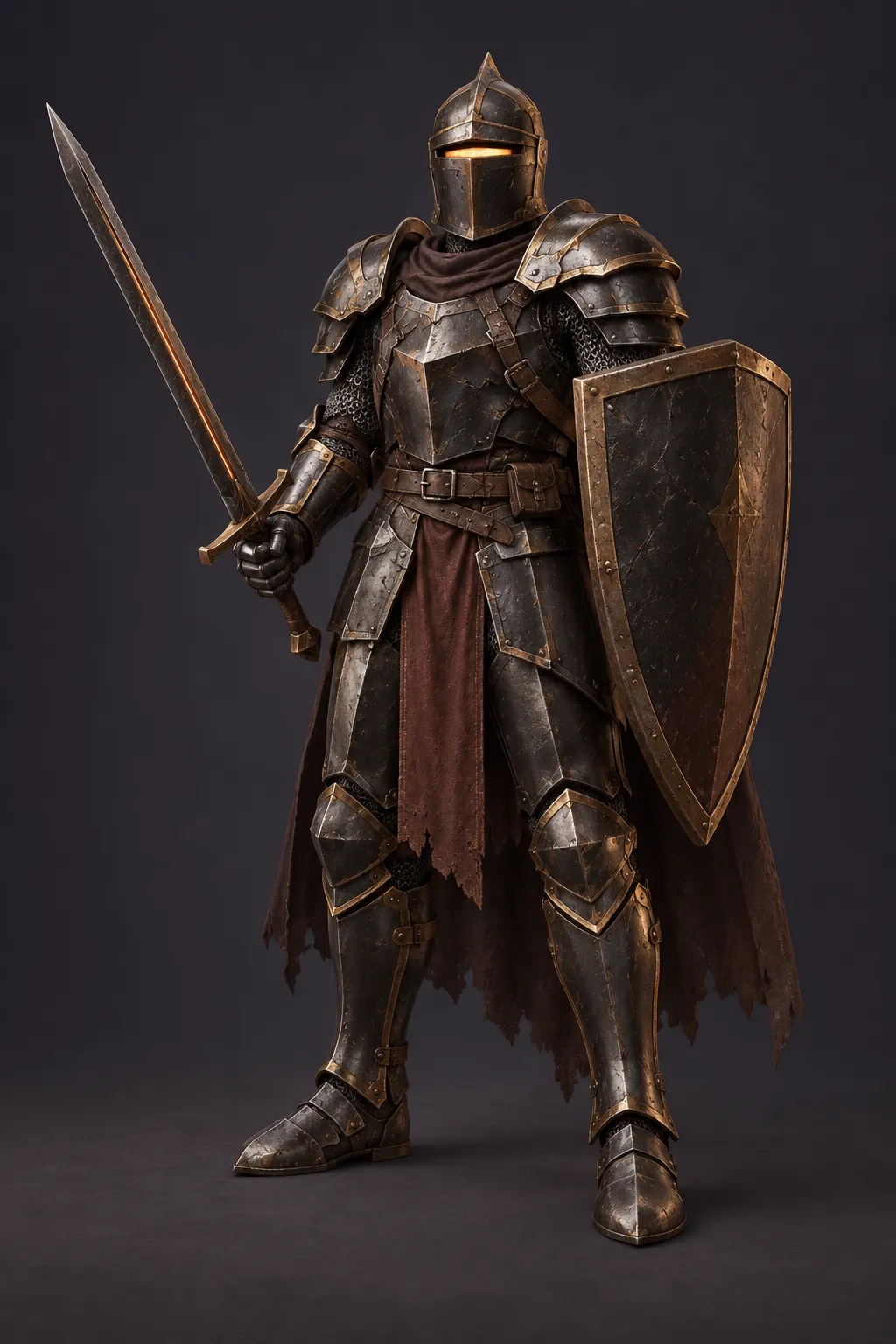
Knight concept art
See a real runOne hero against the whole horde.
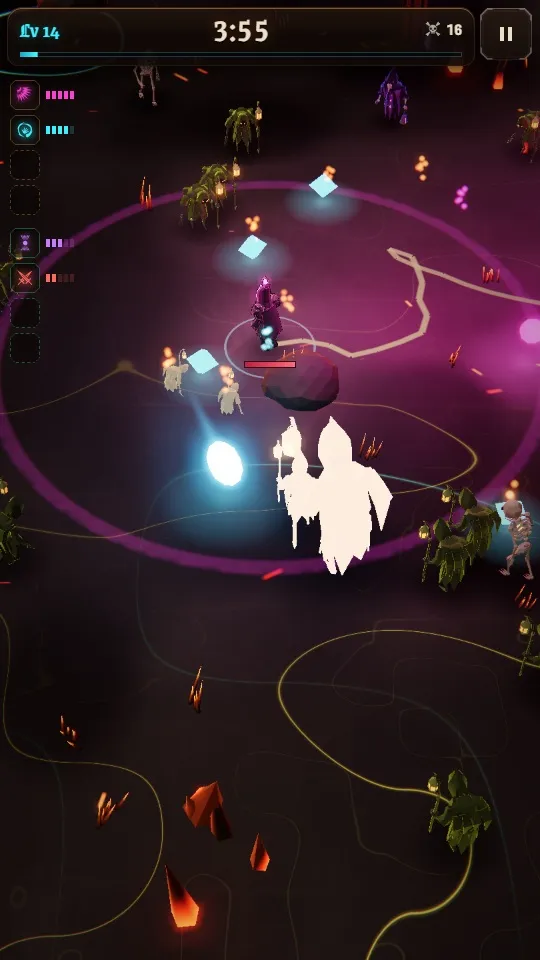
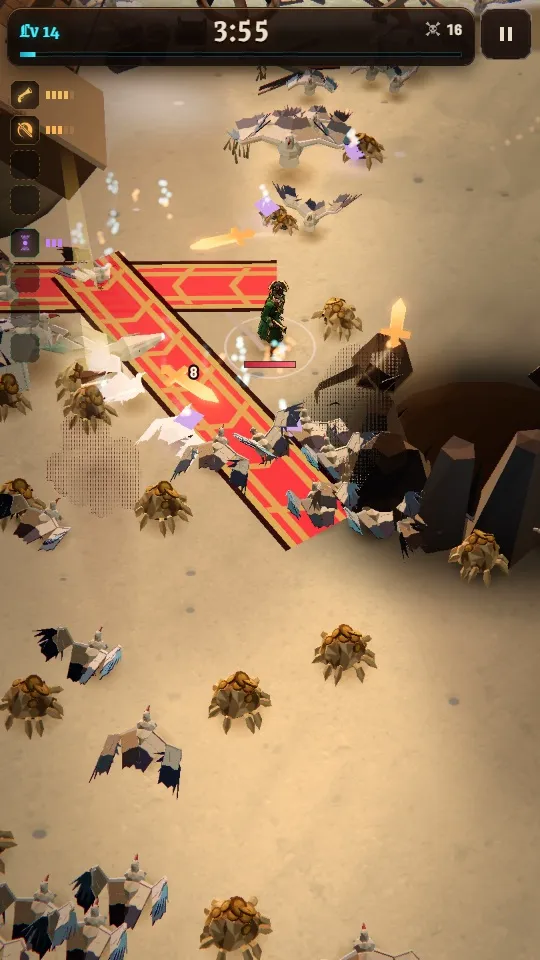
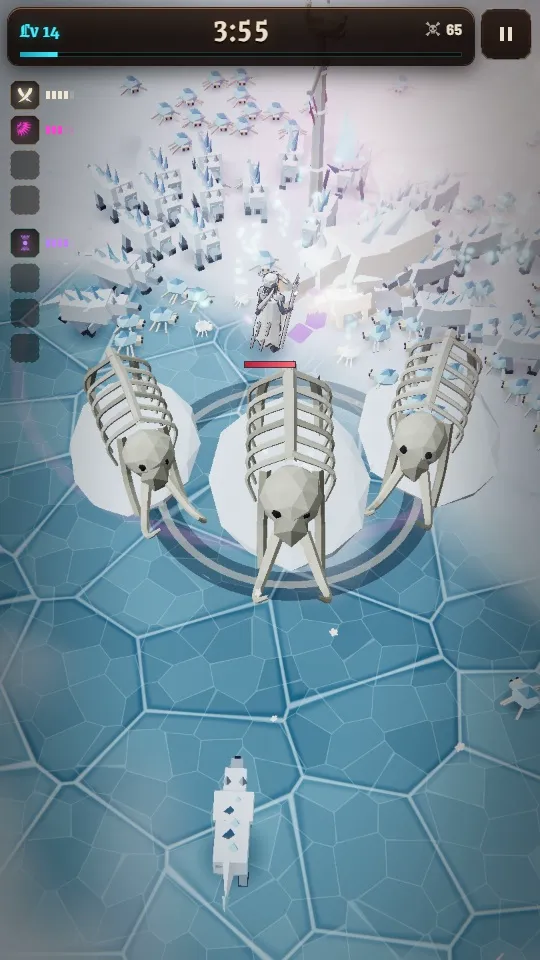
Become the horde’s worst mistake.
Keep moving. Collect experience. Choose upgrades until the thing chasing you becomes the thing running away.
- 4 weapons
- 4 passives
- Your build
Ash Blades become Cinder Halo. Find the right passive, and discover what your weapons are hiding.
Weapons attack automatically. 10 minutes to the last boss. A boss every 150 seconds.
One world. 3 wounds.
Each age changes the fight.
-
I
The Cinder Sanctum
Where each run begins. 5 kinds of foe and 6 encounters between bosses: shrines, an altar, a hunter.
4 bosses, ending with Ash Wyvern.
One night the world split along an old seam.
-
II
The Godwreck Coast
A wreck-strewn shore with 23 unique encounters and Tide Boons: choose one of 3 to change your run.
4 bosses, ending with The Keelbound Heart.
The sea returns every ship that tries to leave.
-
III
The Frostbound Ossuary
Ice keeps your momentum: shortly after releasing movement, 70% of your speed remains. 5 foes built for the cold.
4 bosses, ending with The Thawing Titan.
It does not want to wake. Something keeps waking it.
Then another age tore loose, and another.
They went down anyway.
Different weapons. Different instincts. The same impossible 10 minutes.
Ashen Knight
Oathblade in hand. Character concept artwork
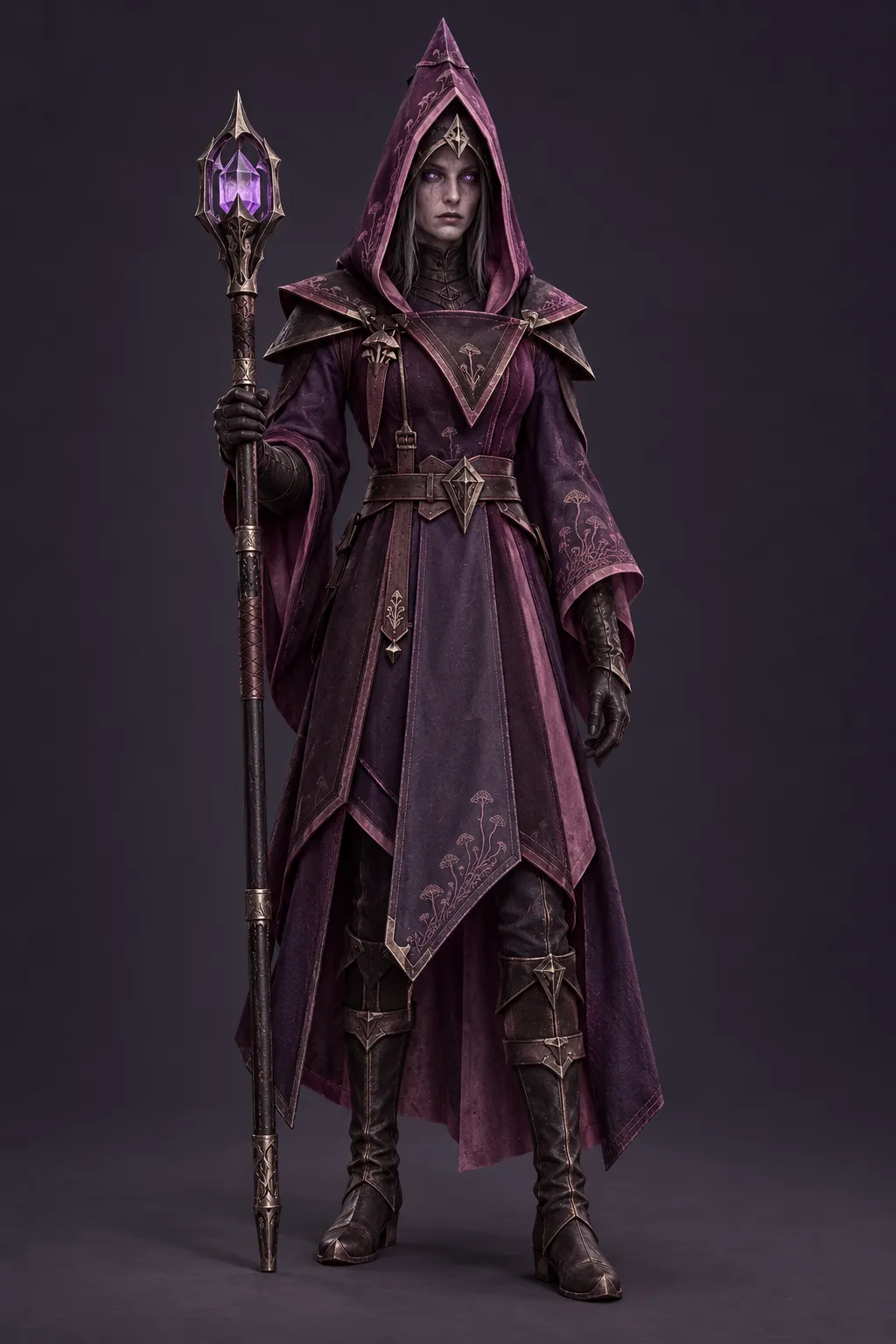
Spore Witch
Starts with Spore Nova. Character concept artwork
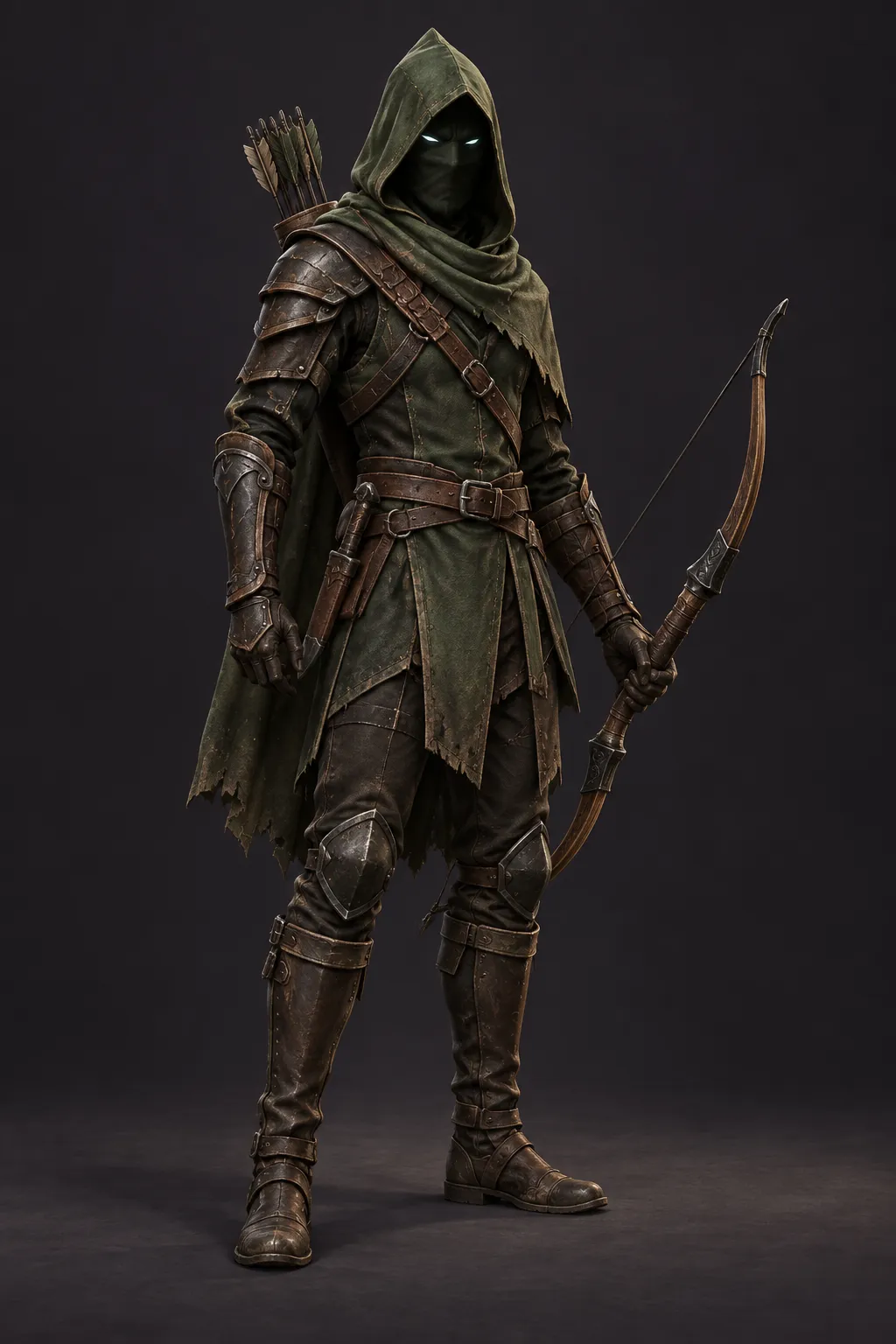
Hollow Ranger
Early bow concept artwork. Starts with Hollow Spear in the game.
Heroes unlock through play.
Character designs adapted from Vesperfall concept art by Meng To, used with permission.
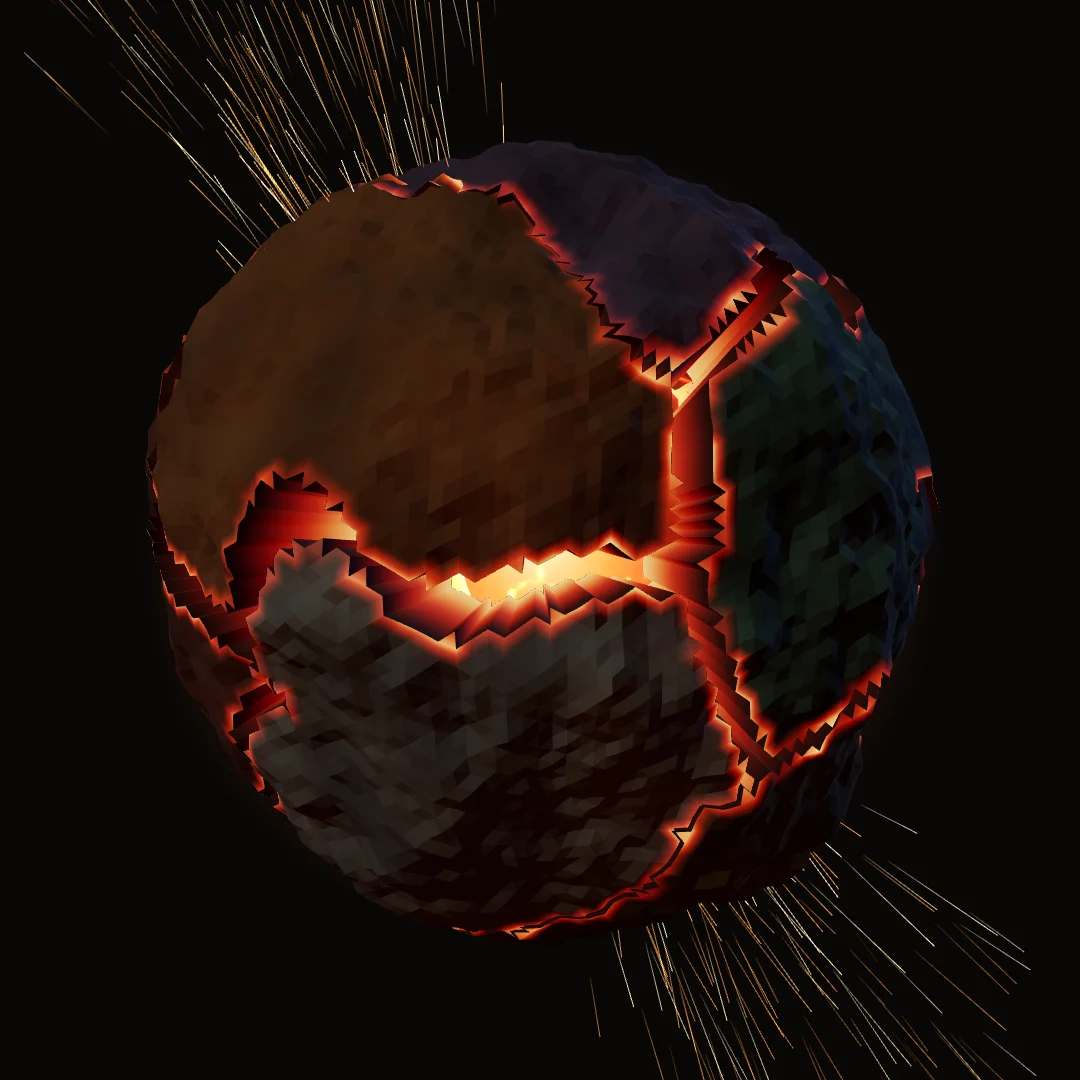
The next age awaits.
10 minutes to the last boss. The rest is up to your build.
Play free- In your browser
- On your phone
- Works offline
- No install, no account
Privacy
What the game sends, what stays on your device, and how to stop it.
With Analytics On
Gameplay events (runs, picks, bosses, taps on buttons) with your device and browser type, through Google Analytics, without ads or ad signals. A performance log of each run (frame rate, quality, device, GPU). Error reports when the game breaks (the error, the game state and the device).
When you send a report
Report a bug sends what you write, with the game state, your device and your player id. It is sent only when you tap Send, with Analytics On or Off.
Your player id
12 random characters made on this device, so one player's reports and stats can be read together. It is not linked to an account.
On this device
Progress, settings, your player id and the logs of your last runs. They stay on the device unless sent as above.
When you sign in
Signing in is optional. Firebase Authentication by Google keeps your account id and the email, phone number or Google account you sign in with; Google processes a phone number to send its code. Your progress, your current run and your language are kept in the game's Firebase database so other devices can load them. Settings stay on each device. A save replaced by a choice or a reset is kept for 7 days, then deleted. Signing out keeps the guest progress on this device separate.
How long
Google Analytics keeps events for the period set on the game's project. Reports, error reports and performance logs are kept in the game's Firebase database; nothing deletes them on a schedule yet. Only the developer reads them; bug reports, and the first error report of each kind, are also emailed to the developer.
Turning it off
Settings > Privacy > Analytics Off stops it at once, and a run played with it Off is never sent. Clearing the site's data removes everything on this device.
Questions or deletion
To ask about your data or ask for it to be deleted, send a bug report from Settings > Help saying what you want. It carries your player id, so the developer can find what belongs to you. To delete an account, use Request account deletion on the account page while signed in: the request (the account id and the time) is kept and emailed to the developer, who then deletes the account and its cloud data. Copies on a device stay until that device is cleared.